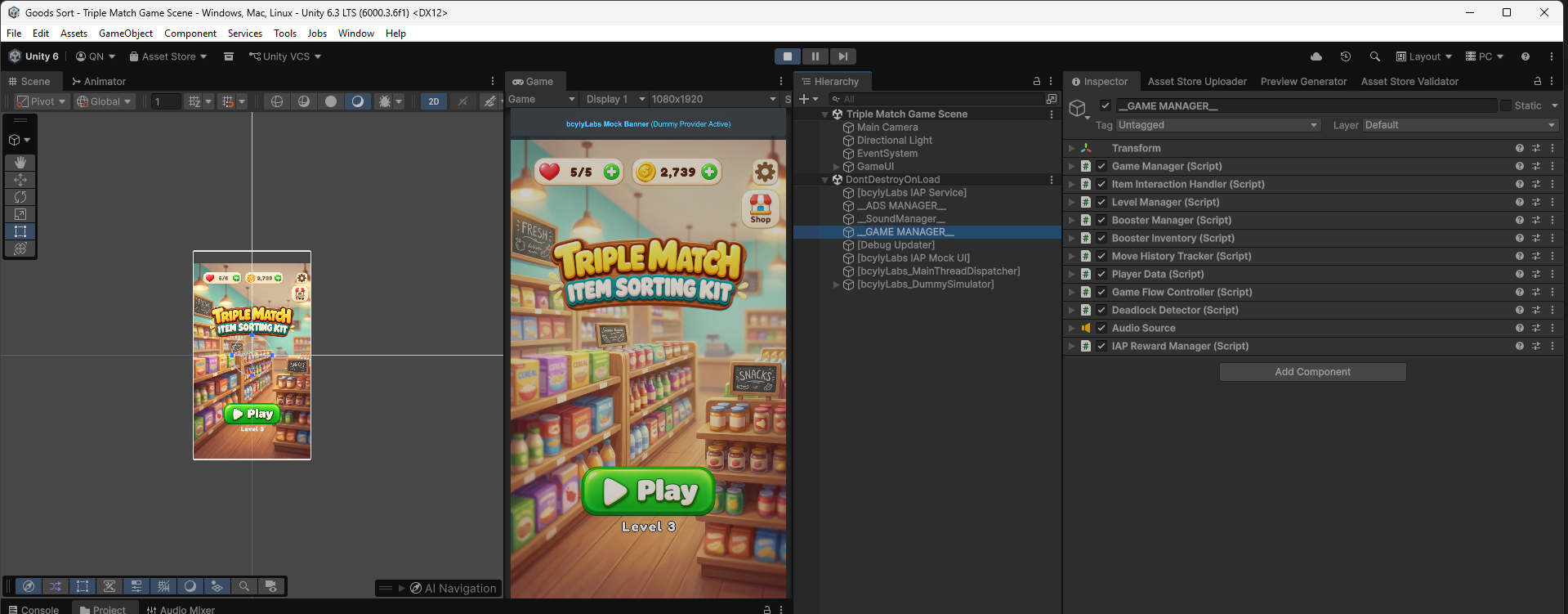
1. Quick Setup
Open the project with Unity 6000+, load the main game scene, and run Triple Match in Play Mode within minutes.
Step 1 - Open the project
Open Unity Hub. Add the project folder if it is not already listed. Open it with Unity 6000.3.6f1. Wait for Unity to finish importing assets and packages.
Step 2 - Open the main scene
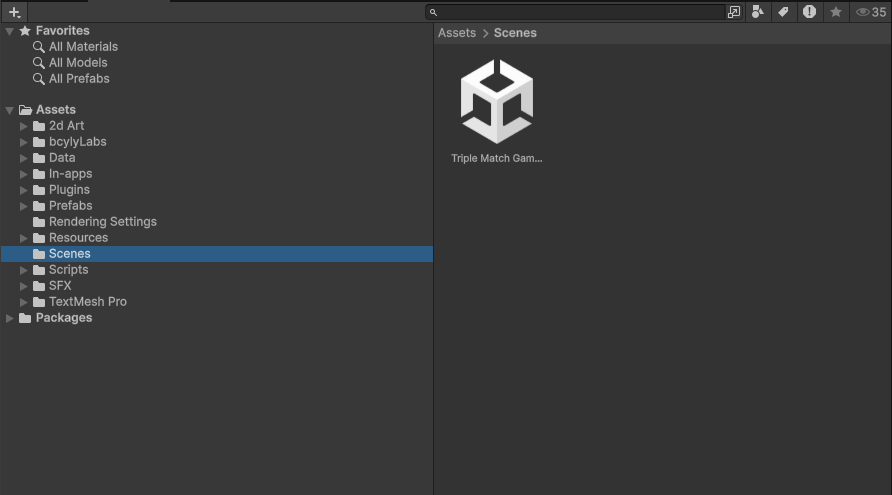
In the Project window, open:
Assets/Scenes/Triple Match Game Scene.unity
Double-click the scene.
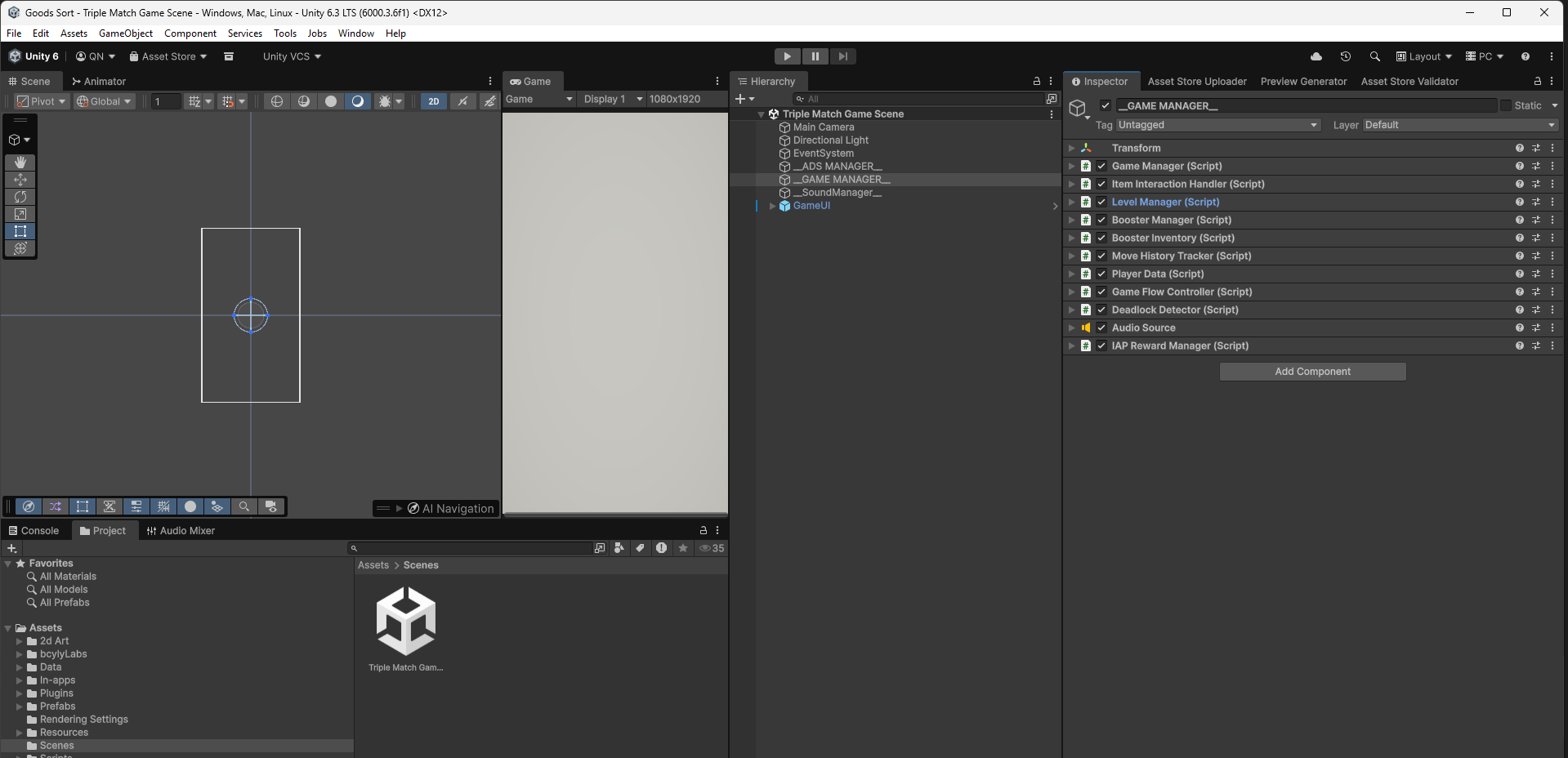
The open scene contains the camera, game managers, and GameUI.
Step 3 - Play the game
Press Unity's Play button. Wait for loading to finish. Press the game's Play button and start a level.