2. Find What You Want to Change
A complete quick-lookup directory mapping every visual, gameplay, audio, and monetization feature to its asset path.
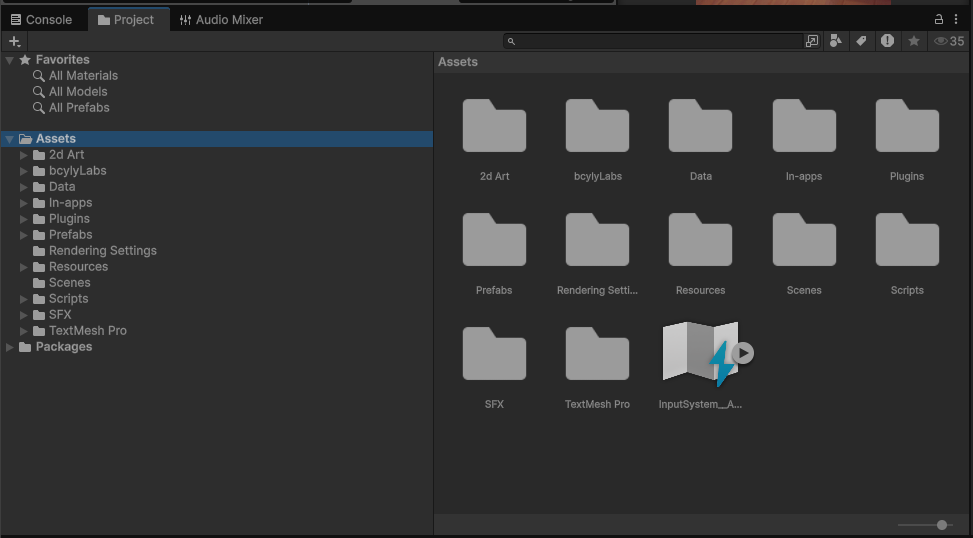
| I want to... | Start here |
|---|---|
| Replace images and fonts | Assets/2d Art and the relevant UI prefab |
| Add item definitions | Assets/Data/Items |
| Edit level content | Level Generator & Editor tool |
| Find saved levels | Assets/Prefabs/Levels |
| Find the level list | Assets/Data/Levels Database/LevelDatabase.asset |
| Change shelf graphics | Assets/Prefabs/Shelves |
| Change common item appearance settings | Assets/Prefabs/ItemPrefab.prefab |
| Change a screen or popup | Assets/Prefabs/UI Panels |
| Change booster settings | Assets/Data/Boosters |
| Change coins and lives | Player Data component on the game manager |
| Change product rewards | Assets/In-apps/Products |
| Find the shop product list | Assets/In-apps/IAPDatabase.asset |
| Change sounds | Assets/SFX/AudioCollection.asset |