Upgrade Info Provider
Upgrade Info Provider transforms Upgrade SO data into a UI-friendly information layer. Select the built-in fields your interface needs, add typed custom fields, and query one consistent source at runtime.
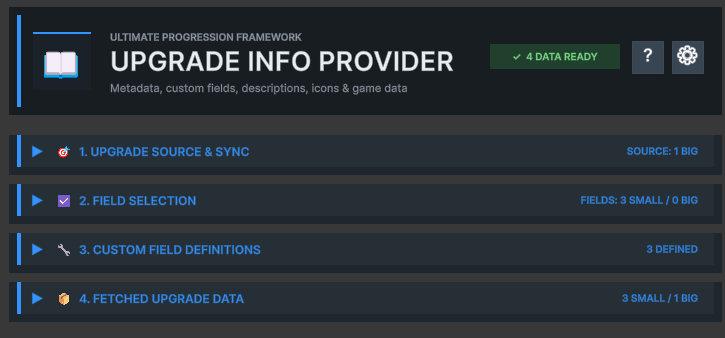
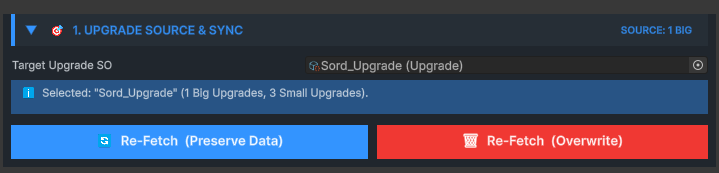
1. Upgrade Source & Sync
Connects the provider to the authoritative Upgrade SO and controls synchronization.
Fetch Upgrade Info reads the nested Big and Small Upgrade structure and creates a presentation record for each step.
Use preserveExisting when refetching after structural edits if existing custom values should remain attached where possible.
2. Field Selection
Chooses which standard Upgrade fields are copied into the information layer.
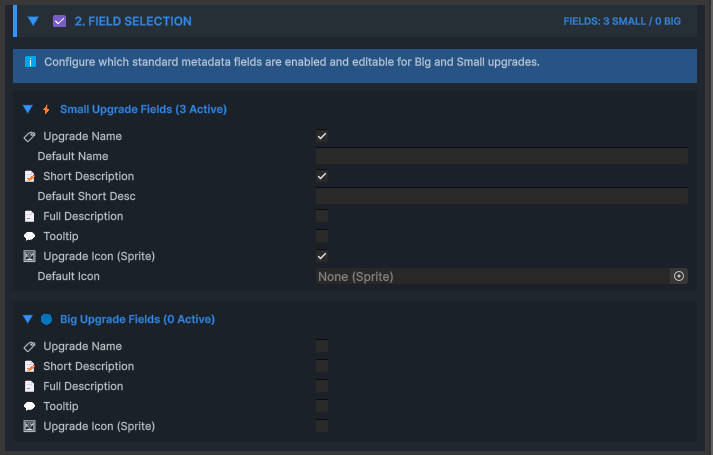
- Big and Small Upgrade names and indices
- Upgrade level, value and native price
- Completion and current-state information
- Fields used by cards, tooltips, previews and selection screens
3. Custom Field Definitions
Adds project-specific presentation metadata without modifying Upgrade SO.
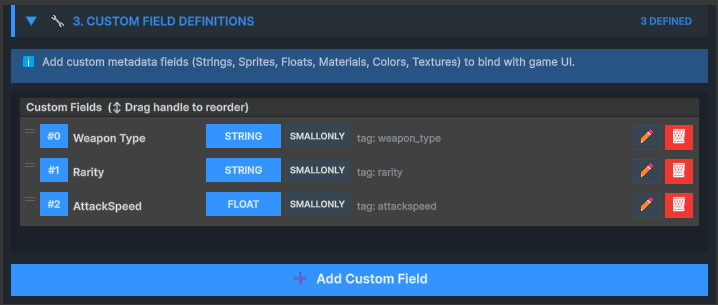
| Field type | Typical purpose | Example |
|---|---|---|
| String | Labels and descriptions | Increases attack speed |
| Int / Float | Additional numeric metadata | +15 or 1.25 |
| Color | Rarity and visual state | Legendary accent |
| Sprite | Icons and badges | Tier emblem |
| Material | Presentation material | Unlocked appearance |
| Texture2D | Large art or previews | Upgrade artwork |
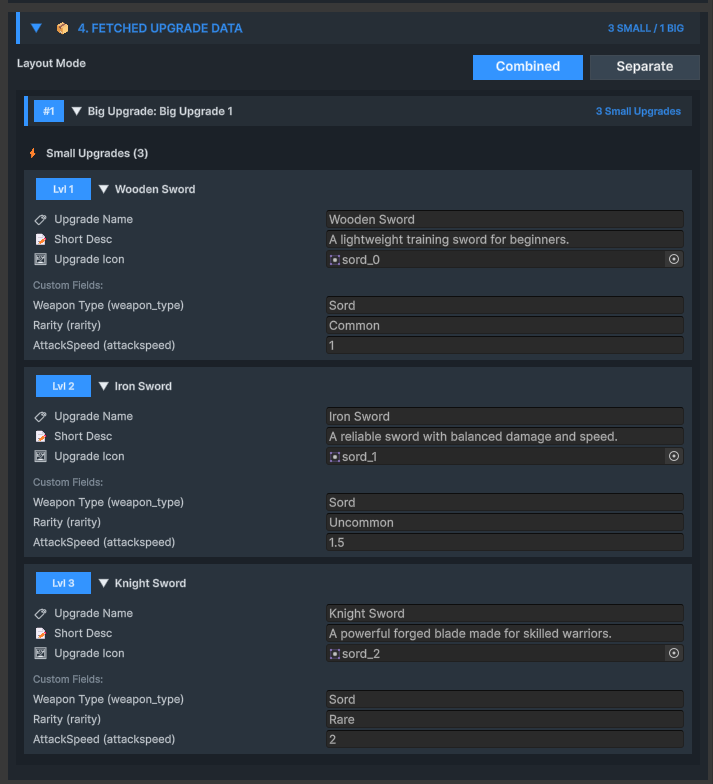
4. Fetched Upgrade Data
Shows the synchronized presentation records and their custom values.
Runtime queries
Read the current, next or specifically indexed presentation record.
- GetNextUpgradeInfo
- GetUpgradeInfo by global or Big/Small index
- GetAllInfoForBig and GetBigUpgradeInfo
- GetCustomField and GetCustomFieldByIndex overloads
- CheckDirty for synchronization monitoring
UpgradeInfoProvider.SmallUpgradeInfo next =
+    infoProvider.GetNextUpgradeInfo();

if (next != null)
{
    UpgradeInfoProvider.CustomFieldValue label =
+        infoProvider.GetCustomField(next, "display-name-tag");

    Debug.Log(label.stringValue);
}